

本文介绍了react-navigation之动态修改title的内容,分享给大家,具体如下:
效果图:
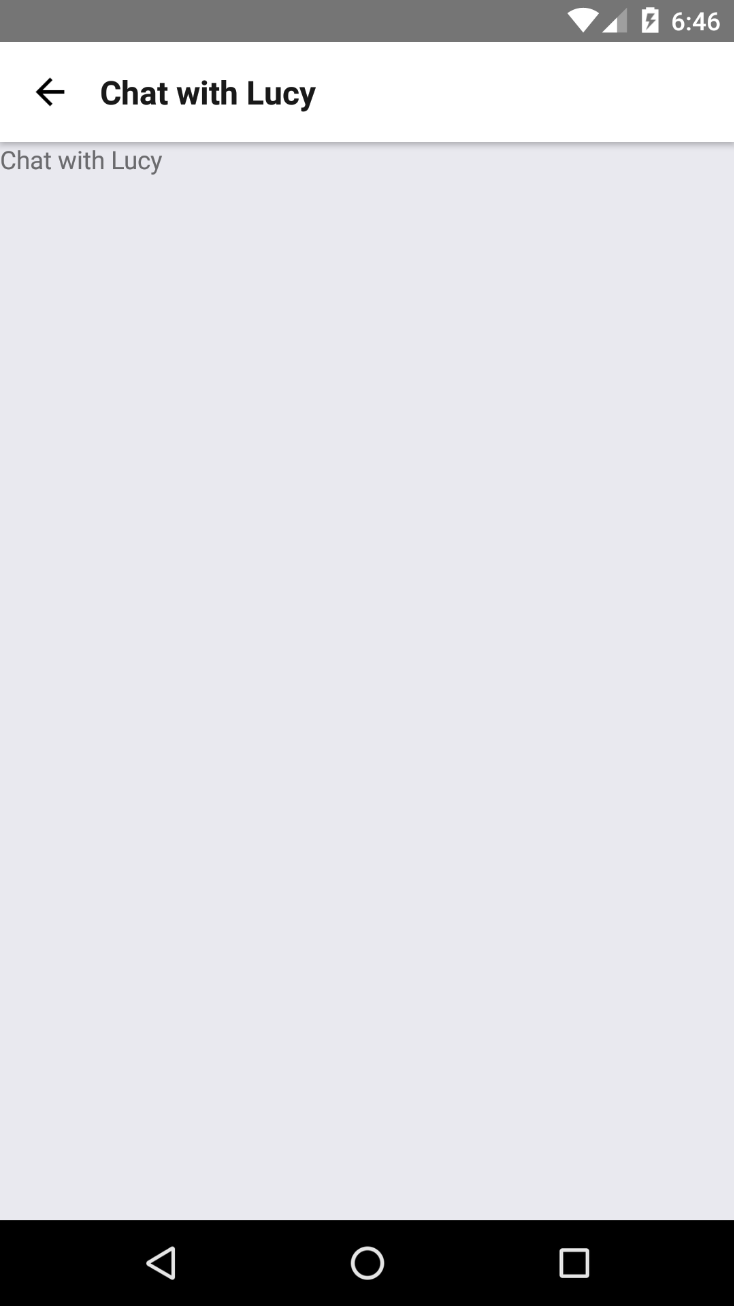
动态修改title内容:
 static navigationOptions = {
    title: ({ state }) => `Chat with ${state.params.user}`
  };
ps:`Chat with ${state.params.user}` 这里有个注意的地方,是这个符号·而不是单引号‘
index.android.js
/**
* Sample React Native App
* https://github.com/facebook/react-native
* @flow
 */
import {
  AppRegistry,
}from 'react-native';
import rootApp from './js/rootApp'
AppRegistry.registerComponent('GankProject', () = >rootApp);
rootApp.js:
/**
 * Created by Administrator on 2017/3/31 0031.
*/
'use strict'import React from 'react';
import {
  AppRegistry,
  Text,
  View,
  Button,
}
from 'react-native';
import {
  StackNavigator
}
from 'react-navigation';
import ChatScreen from './ChatScreen';
class HomeScreen extends React.Component {
  static navigationOptions = {
    title: 'Welcome',
    //设置标题内容  };
    render() {
      const {
        navigate
      } = this.props.navigation;
      return ( < View > <Text > Hello, Navigation ! </Text>
      <Button
    onPress={() => navigate('Chat',{user:'Lucy'})}
    title="Chat with Lucy"/ > </View>
   );
 }
}
const SimpleApp = StackNavigator(
{
 Home: {screen: HomeScreen},
  Chat:{screen:ChatScreen},
}
);
export default SimpleApp;
ChatScreen.js:
/**
 * Created by Administrator on 2017/3/31 0031.
*/
'use strict'
import React,{Component}from 'react';
import {View,Text}from 'react-native';
class ChatScreen extends Component {
  static navigationOptions = {
    title: ({state}) = >`Chat with $ {state.params.user}`
  };
  render() {
    const {params} = this.props.navigation.state;
    return ( < View > <Text > Chat with {
      params.user
    } < /Text>      </View > );
  }
}
export default ChatScreen;
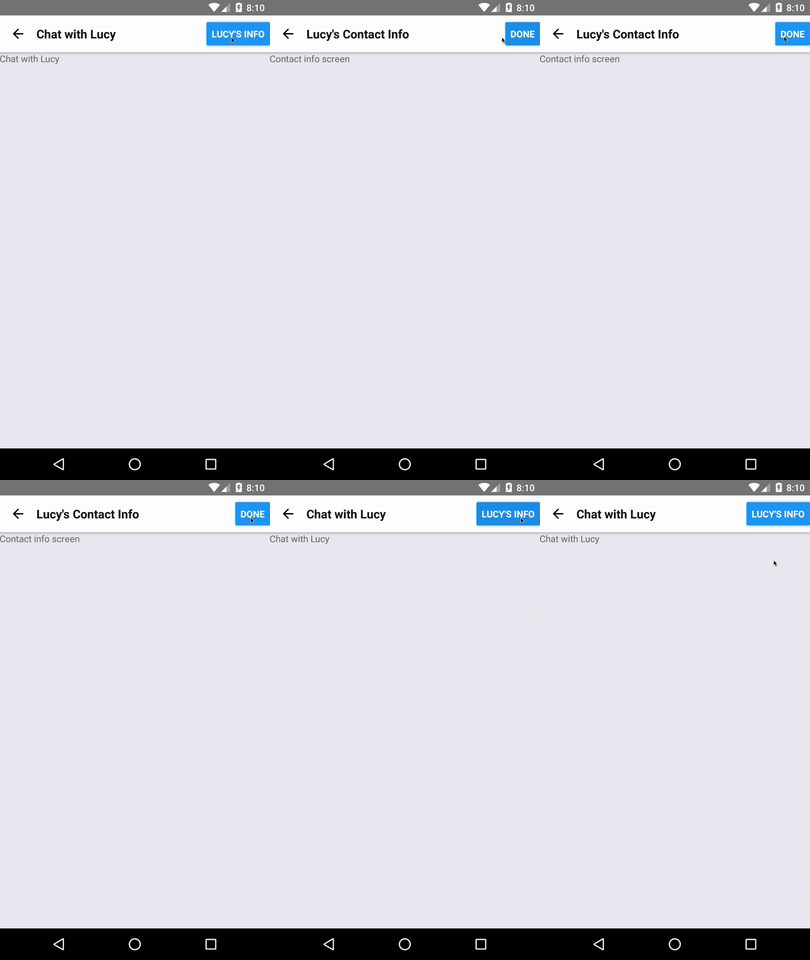
效果2:
/** * Created by Administrator on 2017/3/31 0031. */
'use strict'
import React, { Component}from 'react';
import {View, Text, Button}from 'react-native';
class ChatScreen extends Component {
  static navigationOptions = {
    title: ({
        state
      }) => {
        if (state.params.mode === 'info') {
          return `${state.params.user}'s Contact Info`;
        }
        return `Chat with ${state.params.user}`;
      },
      header: ({state, setParams}) => {
        // The navigation prop has functions like setParams, goBack, and navigate.
        let right = ( < Button title = {
            `${state.params.user}'s info`
          }
          onPress = {
            () => setParams({
              mode: 'info'
            })
          }
          />
          );
   if (state.params.mode === 'info') {
   right = (
   <Button
   title="Done"
   onPress={() => setParams({ mode: 'none' })}
   / >
        );
      }
    return {right};
  },
};
render() {
  const {
    params
  } = this.props.navigation.state;
  return (
    < View >
    < Text > Chat with {params.user} < /Text>
    </View >
  );
}
}
export default ChatScreen;
以上就是本文的全部内容,希望对大家的学习有所帮助,也希望大家多多支持脚本之家。


