

本文实例为大家分享了Unity实现物体左右移动效果的具体代码,供大家参考,具体内容如下
效果如下
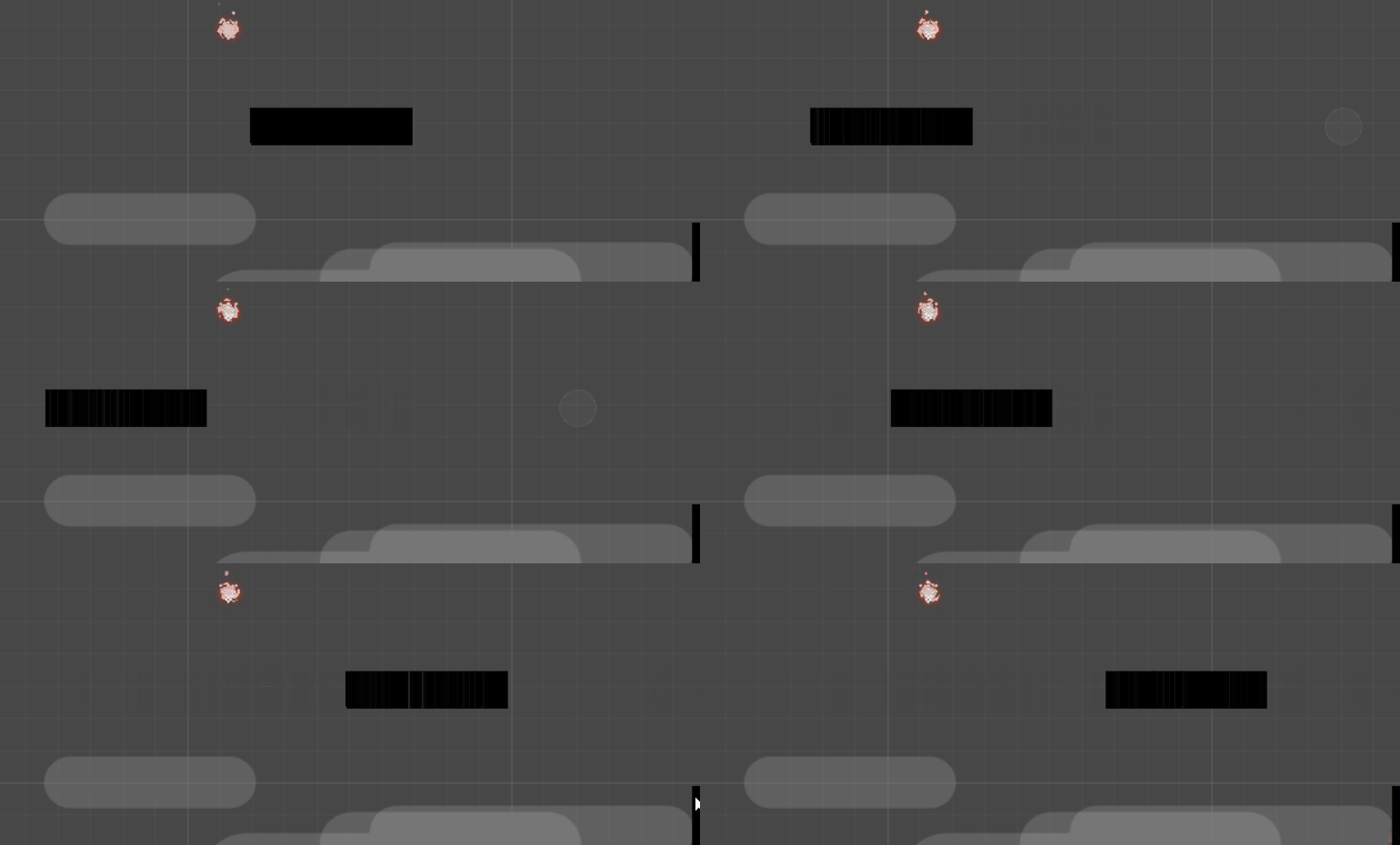
代码:
using UnityEngine;
using System.Collections;

//Add this script to the platform you want to move.
//左右移动的平台
public class MovingPlatform : MonoBehaviour {

 //Platform movement speed.平台移动速度
 public float speed;

 //This is the position where the platform will move.平台移动的位置
 public Transform MovePosition;//创建一个空物体作为移动的位置

 private Vector3 StartPosition;
 private Vector3 EndPosition;
 private bool OnTheMove;

 // Use this for initialization
 void Start () {
 //Store the start and the end position. Platform will move between these two points.储存左右两端点位置
 StartPosition = this.transform.position;
 EndPosition = MovePosition.position;
 }

 void FixedUpdate () {

 float step = speed * Time.deltaTime;

 if (OnTheMove == false) {
 this.transform.position = Vector3.MoveTowards (this.transform.position, EndPosition, step);
 }else{
 this.transform.position = Vector3.MoveTowards (this.transform.position, StartPosition, step);
 }

 //When the platform reaches end. Start to go into other direction.
 if (this.transform.position.x == EndPosition.x && this.transform.position.y == EndPosition.y && OnTheMove == false) {
 OnTheMove = true;
 }else if (this.transform.position.x == StartPosition.x && this.transform.position.y == StartPosition.y && OnTheMove == true) {
 OnTheMove = false;
 }
 }

}
以上就是本文的全部内容,希望对大家的学习有所帮助,也希望大家多多支持脚本之家。


