

首先我们解压
$ unzip p8202632_10205_LINUX.zip
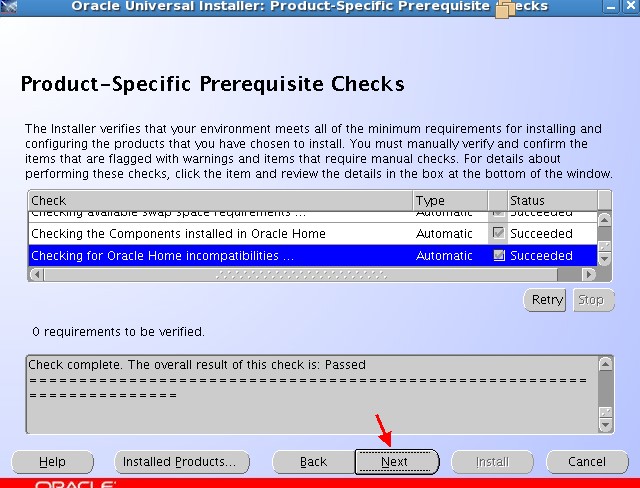
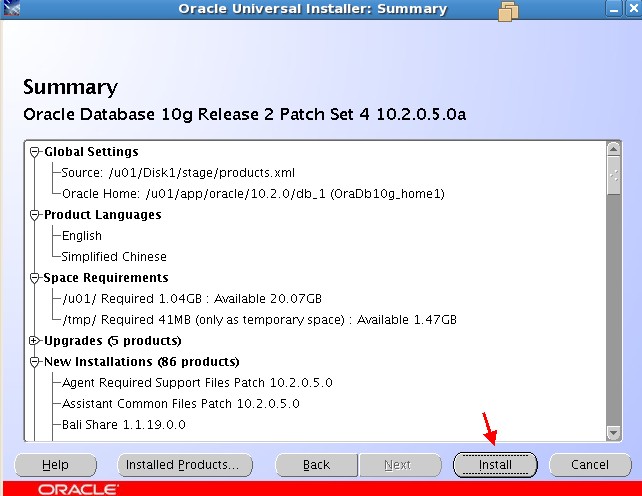
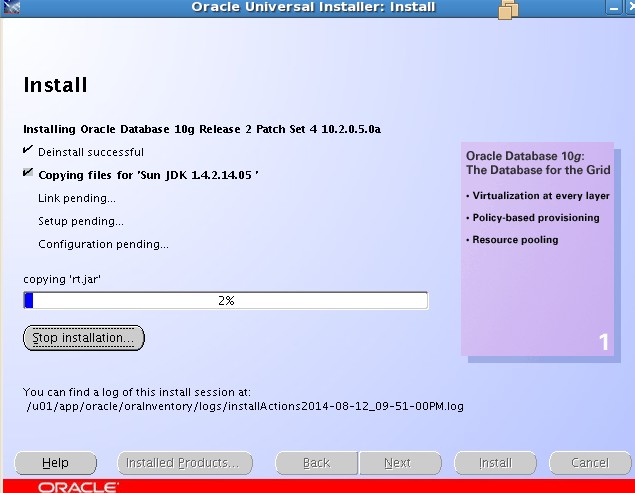
解压后我们会发现多出了个文件夹,他是:Disk1,进入Disk1。然后执行安装:
$ ./runInstaller
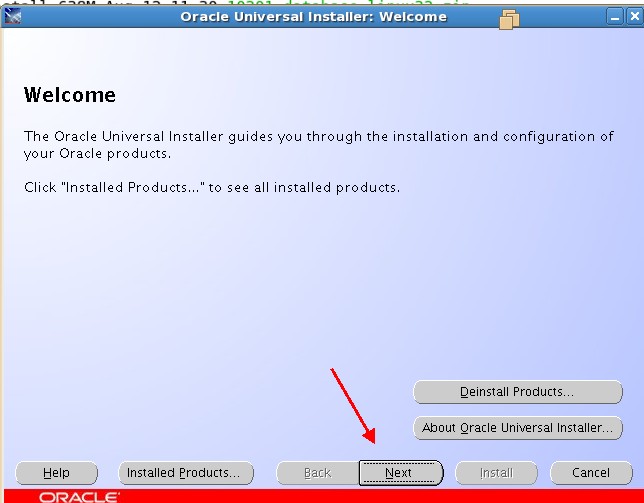
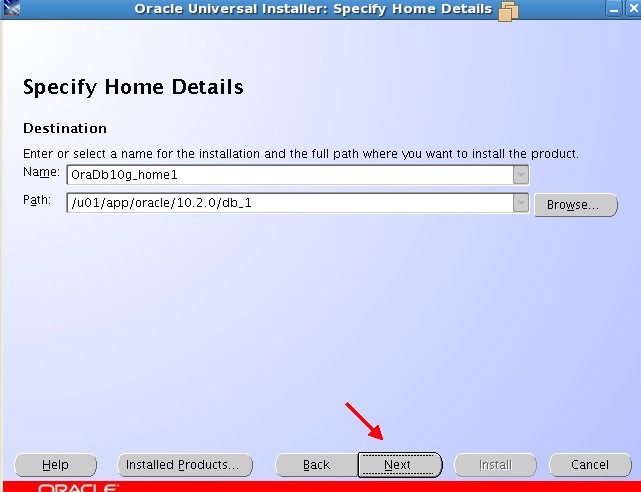
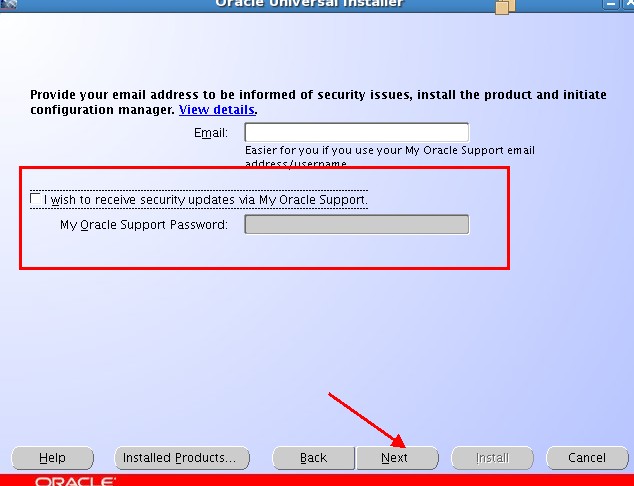
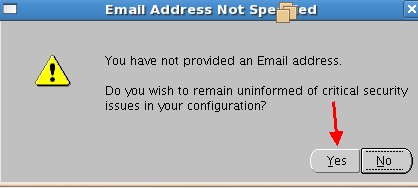
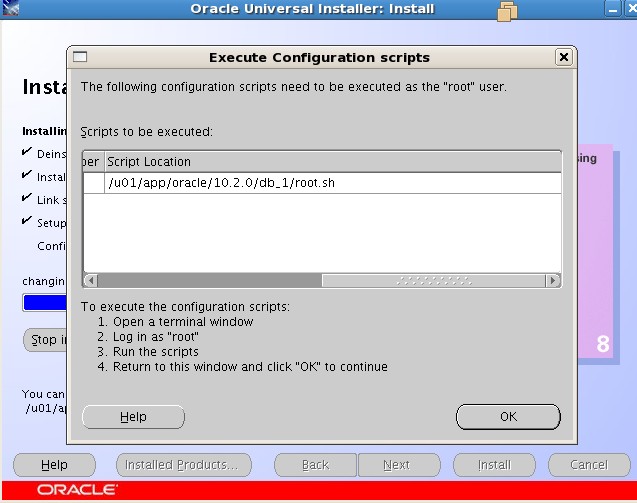
执行脚本
# /u01/app/oracle/10.2.0/db_1/root.sh
Running Oracle 10g root.sh script...
The following environment variables are set as:
    ORACLE_OWNER= oracle
    ORACLE_HOME=  /u01/app/oracle/10.2.0/db_1
Enter the full pathname of the local bin directory: [/usr/local/bin]:
The file "dbhome" already exists in /usr/local/bin.  Overwrite it? (y/n)
[n]:
The file "oraenv" already exists in /usr/local/bin.  Overwrite it? (y/n)
[n]:
The file "coraenv" already exists in /usr/local/bin.  Overwrite it? (y/n)
[n]:
Entries will be added to the /etc/oratab file as needed by
Database Configuration Assistant when a database is created
Finished running generic part of root.sh script.
Now product-specific root actions will be performed.
执行完脚本后进行创建数据库。
$ dbca
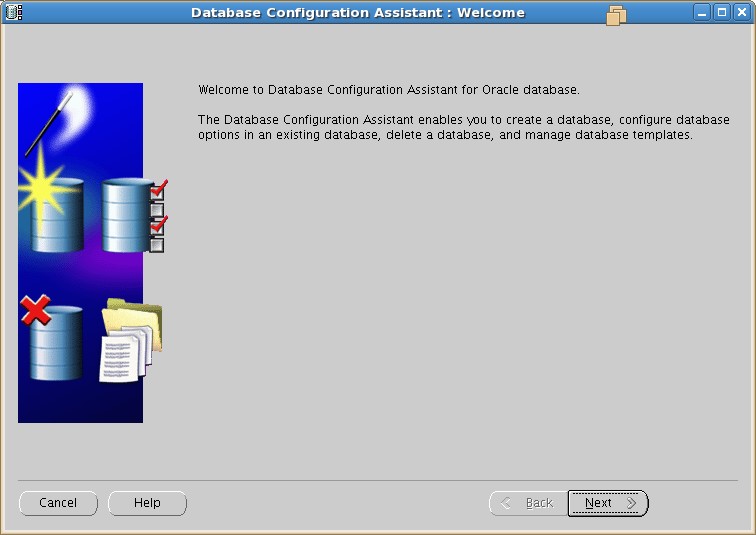
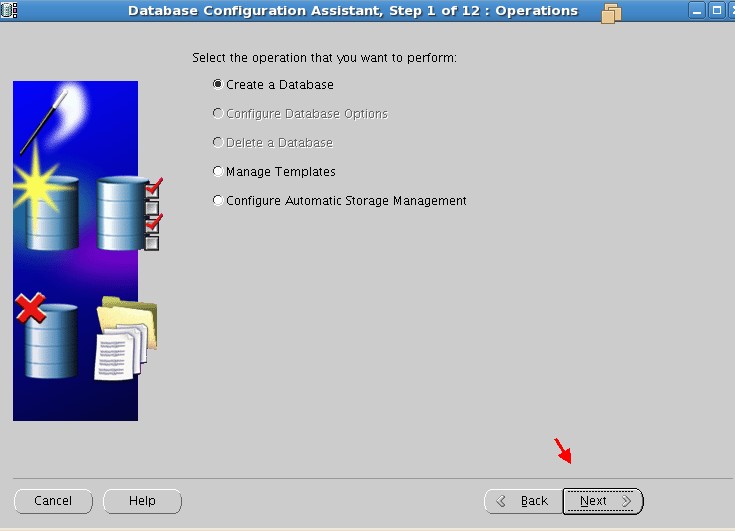
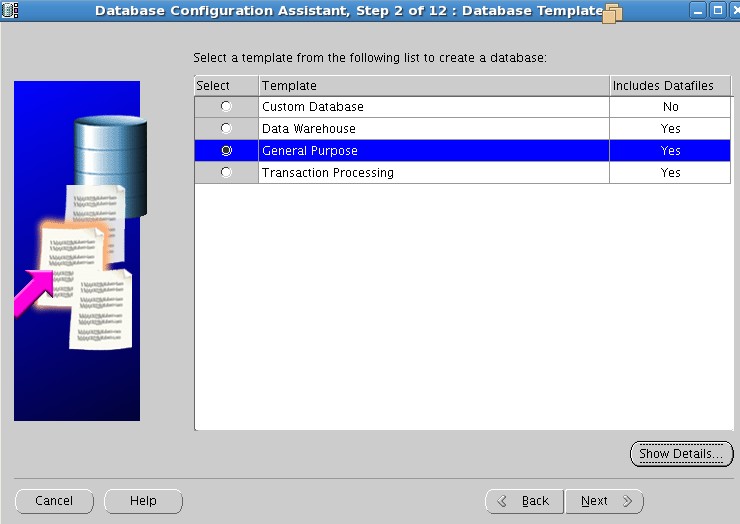
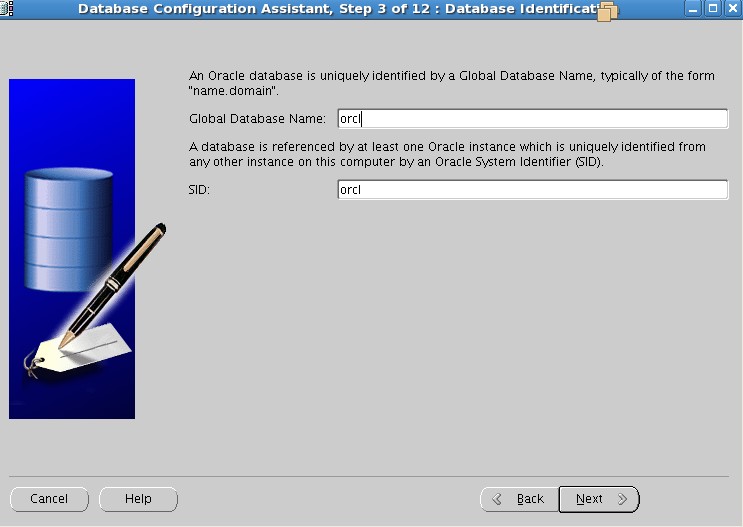
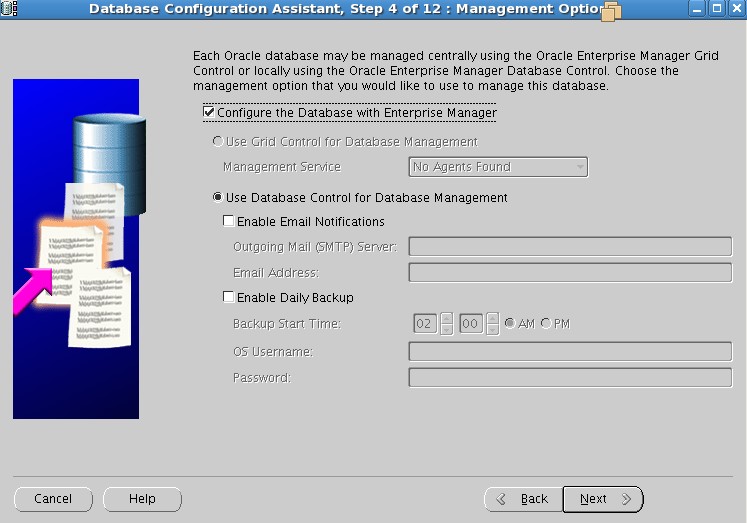
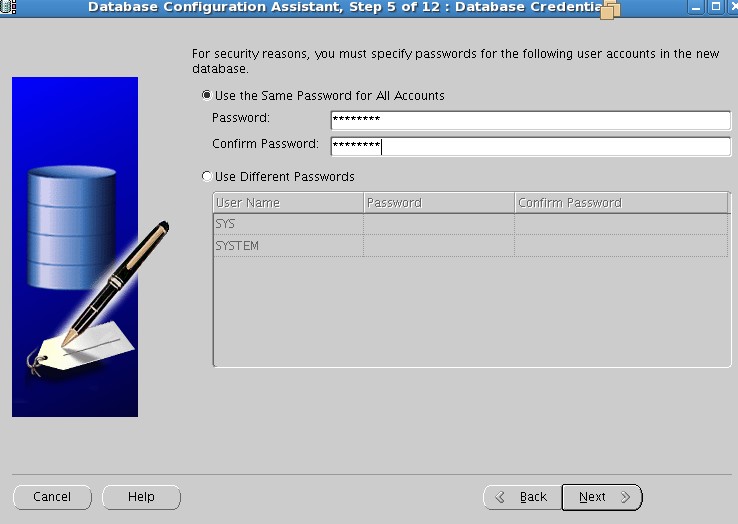
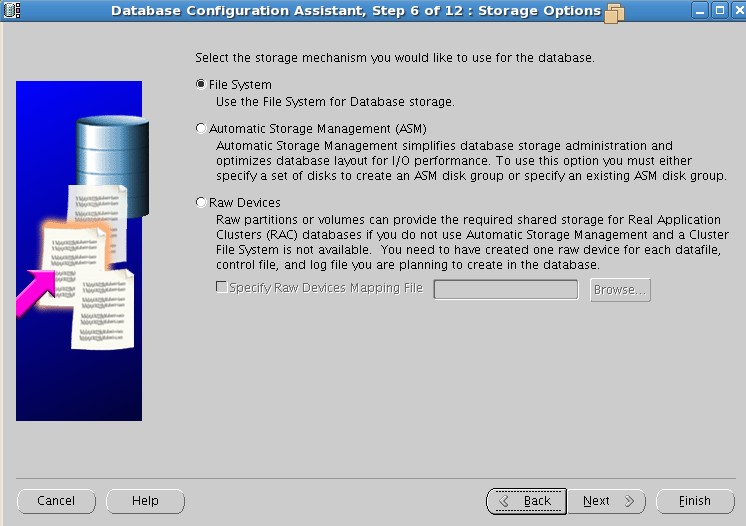
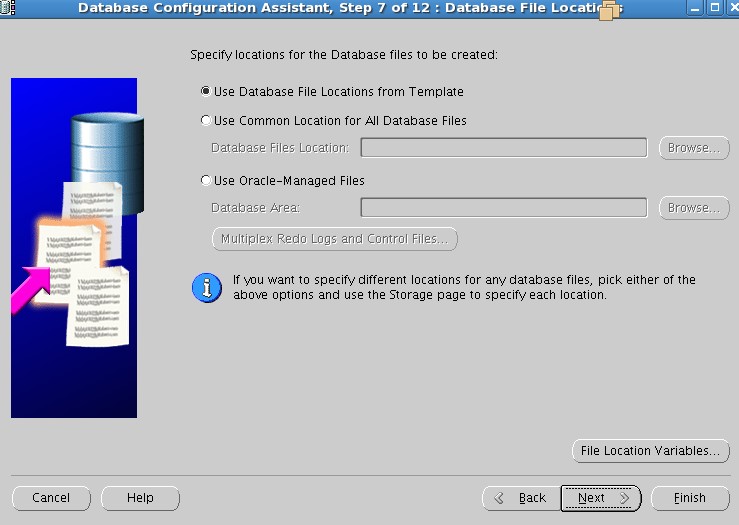
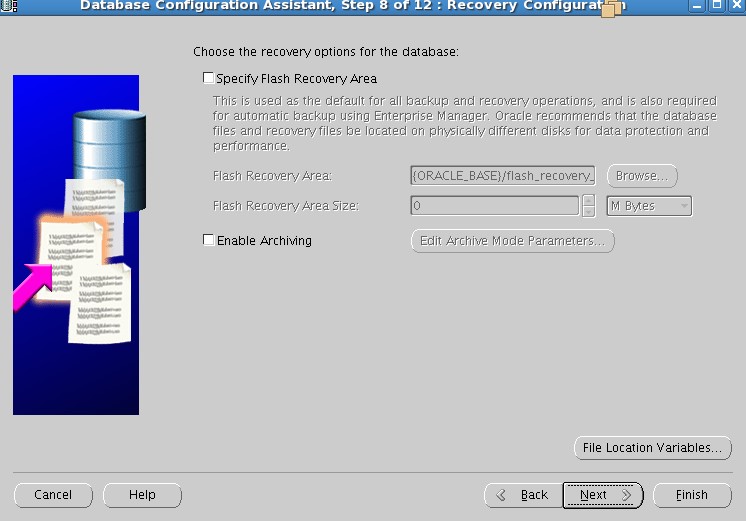
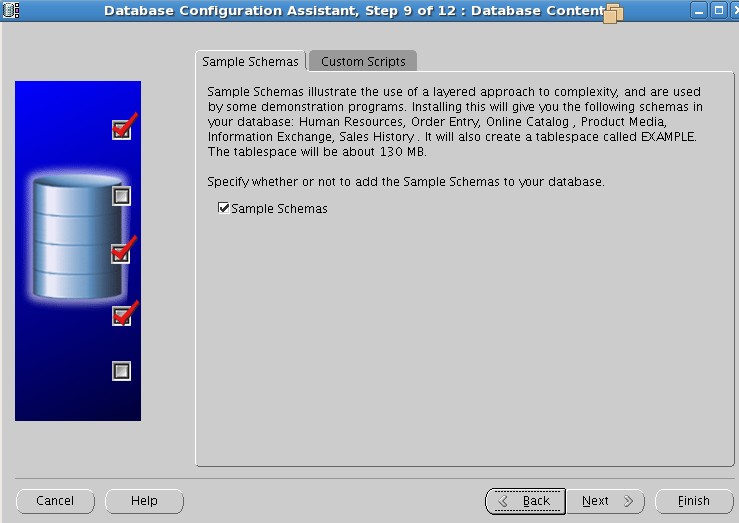
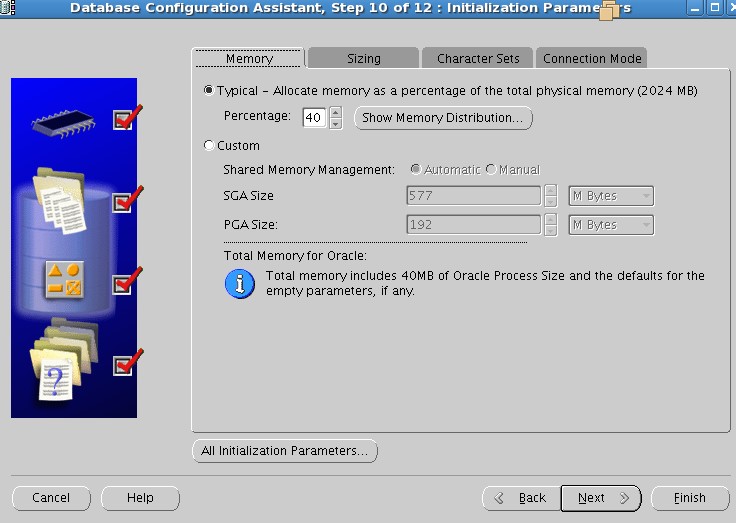
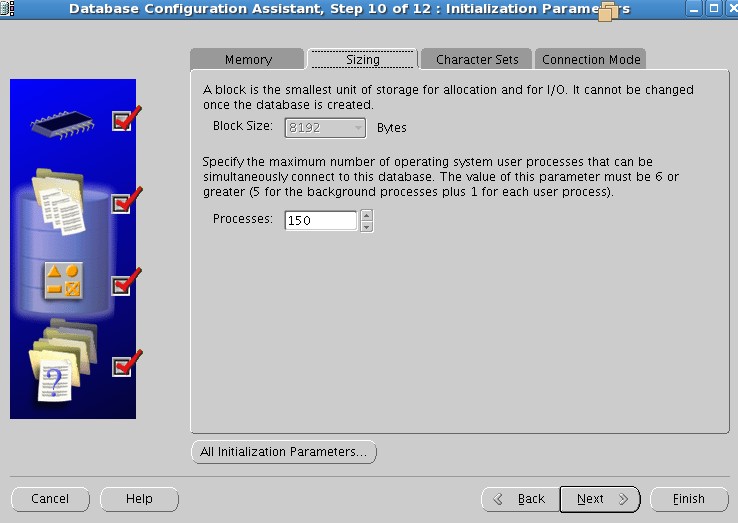
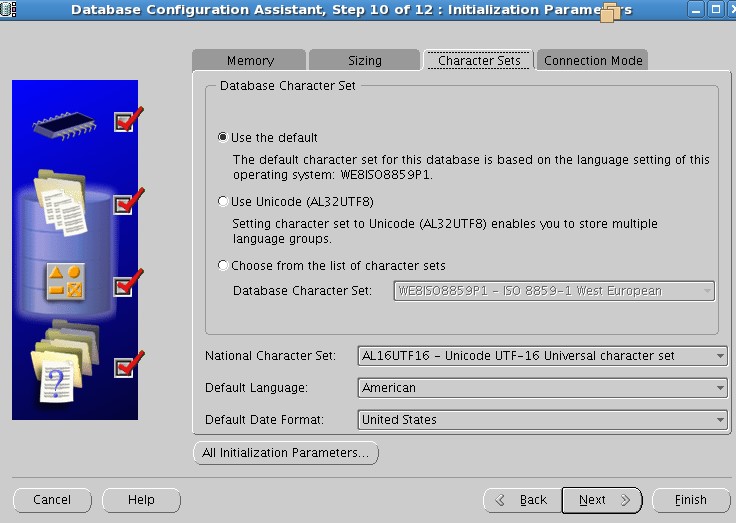
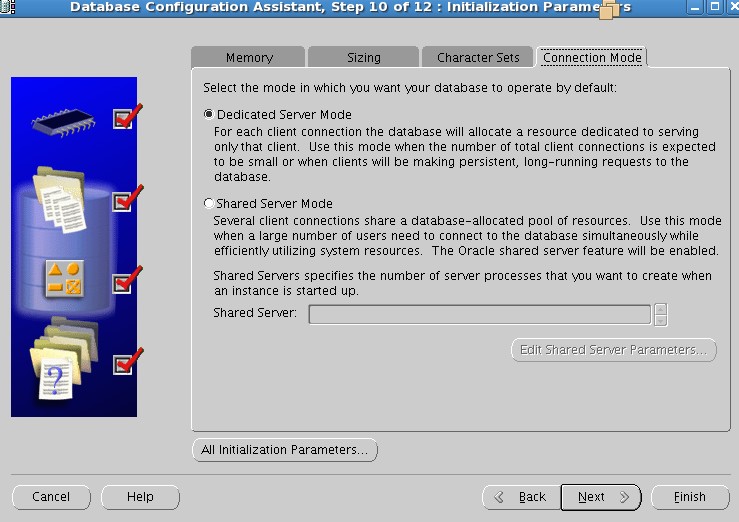
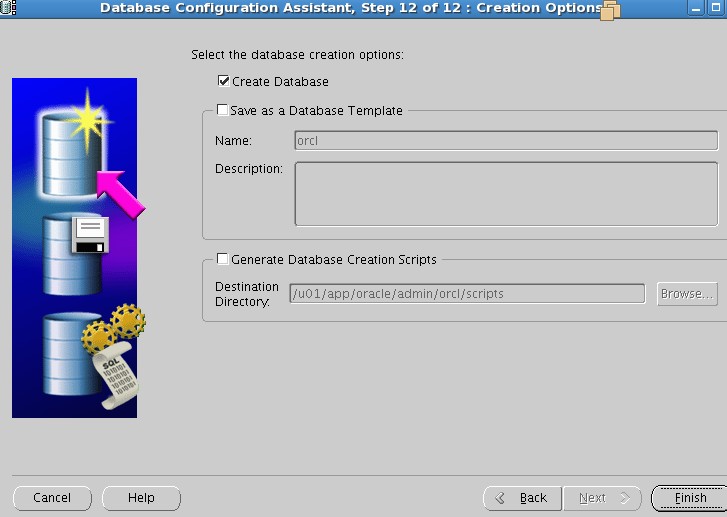
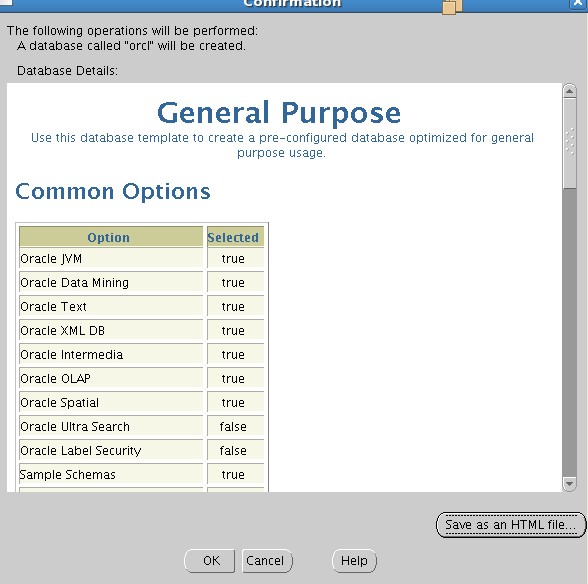
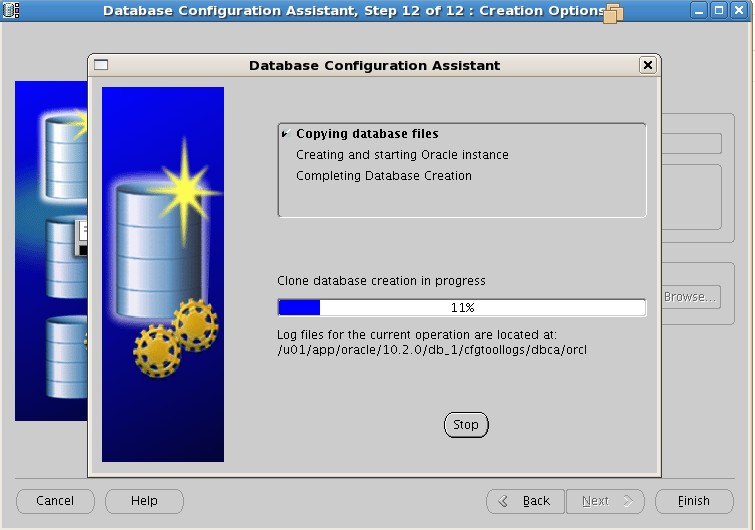
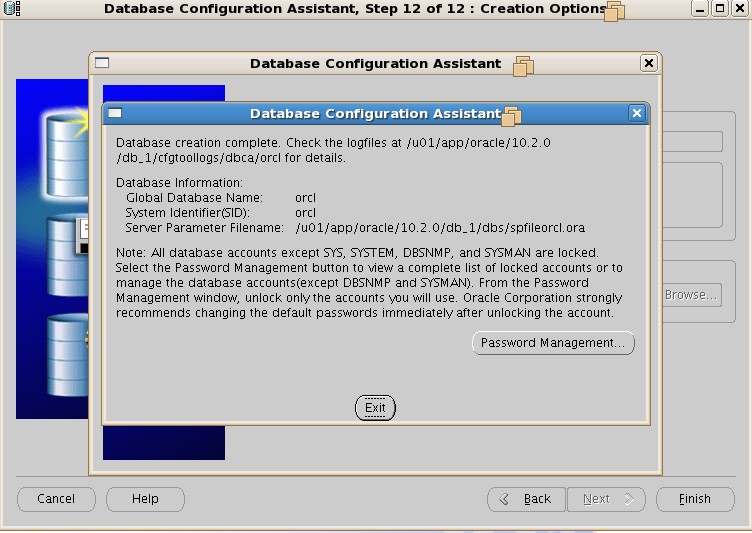
这里之前还报了一个错误,说的是企业管理器 安装失败。企业管理器是我们DBA日常生活必不可少的工具,所以我们必须要给它安装起来。
[oracle@oracle Disk1]$ sqlplus / as sysdba;
SQL*Plus: Release 10.2.0.5.0 - Production on Fri Aug 15 22:23:05 2014
Copyright (c) 1982, 2010, Oracle.  All Rights Reserved.
Connected to:
Oracle Database 10g Enterprise Edition Release 10.2.0.5.0 - Production
With the Partitioning, OLAP, Data Mining and Real Application Testing options
SQL> select status from v$instance;
STATUS
------------
OPEN
显示数据库打开正常


