

实现效果:
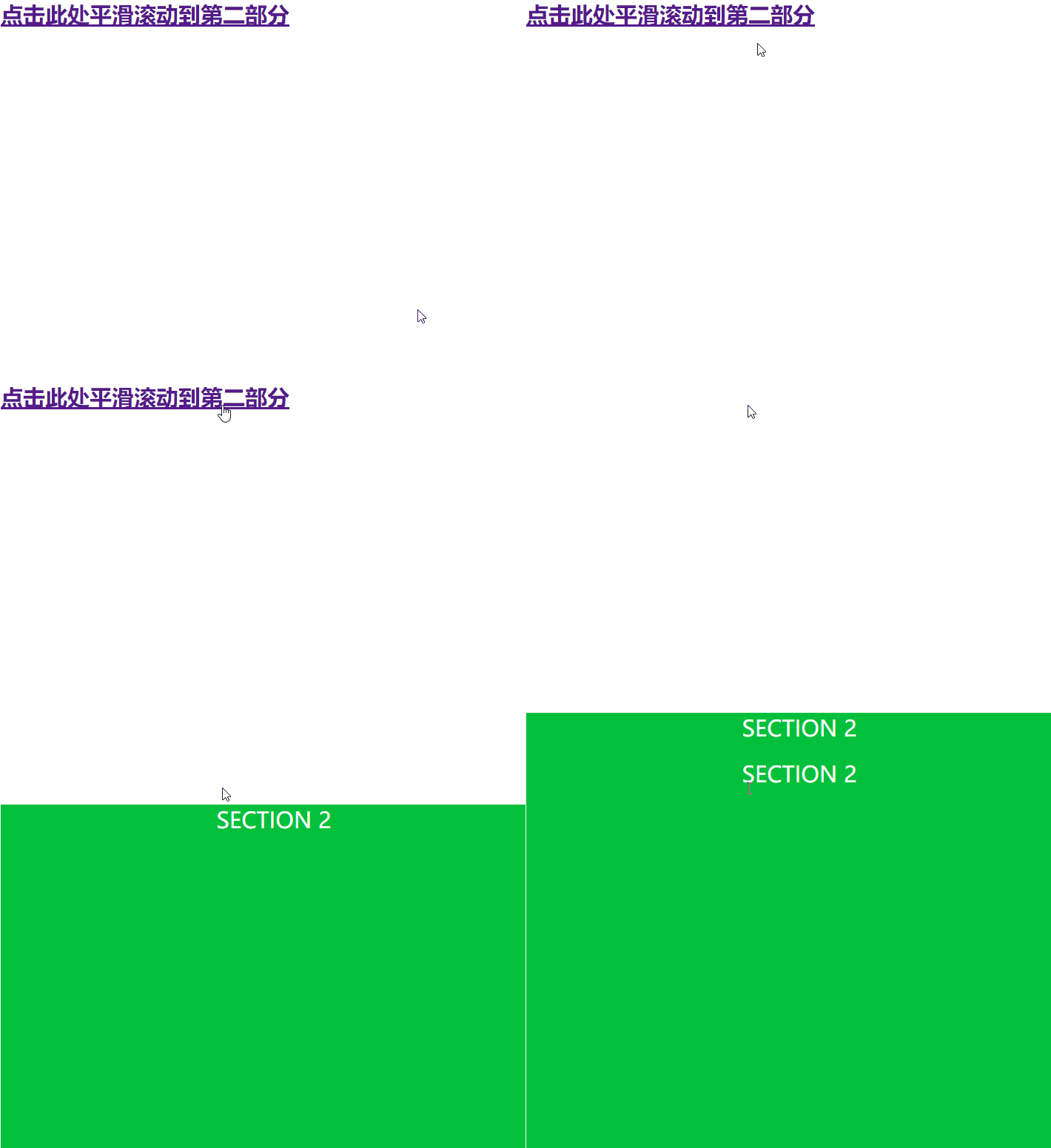
实现原理:
使用jQuery animate()方法实现页面平滑滚动特效
$('html, body').animate({
scrollTop: $(hash).offset().top
}, 800, function(){
window.location.hash = hash;
});
简单实例代码:
<!DOCTYPE html>
<html>
<head>
<script src="https://zhanzhang360.qulang.net/imgupload/006113/jquery.min.js"></script>
<script>
$(document).ready(function(){
 // Add smooth scrolling to all links
 $("a").on('click', function(event) {

  // Make sure this.hash has a value before overriding default behavior
  if (this.hash !== "") {
   // Prevent default anchor click behavior
   event.preventDefault();

   // Store hash
   var hash = this.hash;

   // Using jQuery's animate() method to add smooth page scroll
   // The optional number (800) specifies the number of milliseconds it takes to scroll to the specified area
   $('html, body').animate({
    scrollTop: $(hash).offset().top
   }, 800, function(){

    // Add hash (#) to URL when done scrolling (default click behavior)
    window.location.hash = hash;
   });
  } // End if
 });
});
</script>
 <style>
body, html, .main {
  height: 100%;
}

section {
  min-height: 100%;
}
</style>
</head>
<body>
<a href="#section2" rel="external nofollow" style="
   font-size: 30px;
   font-weight: bold;
   text-align: center;
">点击此处平滑滚动到第二部分</a>
<div class="main">
 <section></section>
</div>
<div class="main" id="section2">
 <section style="
   background-color: #03c03c;
   color: #fff;
   font-size: 30px;
   text-align: center">
   SECTION 2
 </section>
</div>
</body>
</html>
以上这篇jQuery实现锚点向下平滑滚动特效示例就是小编分享给大家的全部内容了,希望能给大家一个参考,也希望大家多多支持脚本之家。


