

微信小程序 Toast自定义实例详解
实现类似于Android的Toast提示
index.js:
var timer;
var inputinfo = "";
var app = getApp()
Page({
 data: {
  animationData:"",
  showModalStatus:false
 },

 onLoad: function () {

 },
 showModal: function () {
  // 显示遮罩层
  var animation = wx.createAnimation({
   duration: 200,
   timingFunction: "linear",
   delay: 0
  })
  this.animation = animation
  animation.translateY(200).step()
  this.setData({
   animationData: animation.export(),
   showModalStatus: true
  })
  setTimeout(function () {
   animation.translateY(0).step()
   this.setData({
    animationData: animation.export()
   })
  }.bind(this), 200)
  console.log("准备执行");
   timer = setTimeout(function () {
    if(this.data.showModalStatus){
     this.hideModal();
     console.log("是否执行");
   }
  }.bind(this), 3000)
 },
 clickbtn:function(){
  if(this.data.showModalStatus){
   this.hideModal();
  }else{
   this.showModal();
  }
 },
 hideModal: function () {
  if(timer != null){
   clearTimeout(timer);
   timer = null;
  }
  // 隐藏遮罩层
  var animation = wx.createAnimation({
   duration: 200,
   timingFunction: "linear",
   delay: 0
  })
  this.animation = animation
  animation.translateY(200).step()
  this.setData({
   animationData: animation.export(),
  })
  setTimeout(function () {
   animation.translateY(0).step()
   this.setData({
    animationData: animation.export(),
    showModalStatus: false
   })
  }.bind(this), 200)
 },
})
index.wxml:
<button type="default" bindtap="clickbtn">
 点击
</button>
<view class="commodity_screen" bindtap="hideModal" wx:if="{{showModalStatus}}"></view>
<view animation="{{animationData}}" class="commodity_attr_box" wx:if="{{showModalStatus}}">
<!--对话框标题-->
 <view class="title-view">
  <view class="toast-view">
   要显示的内容
  </view>

 </view>
</view>
效果图:
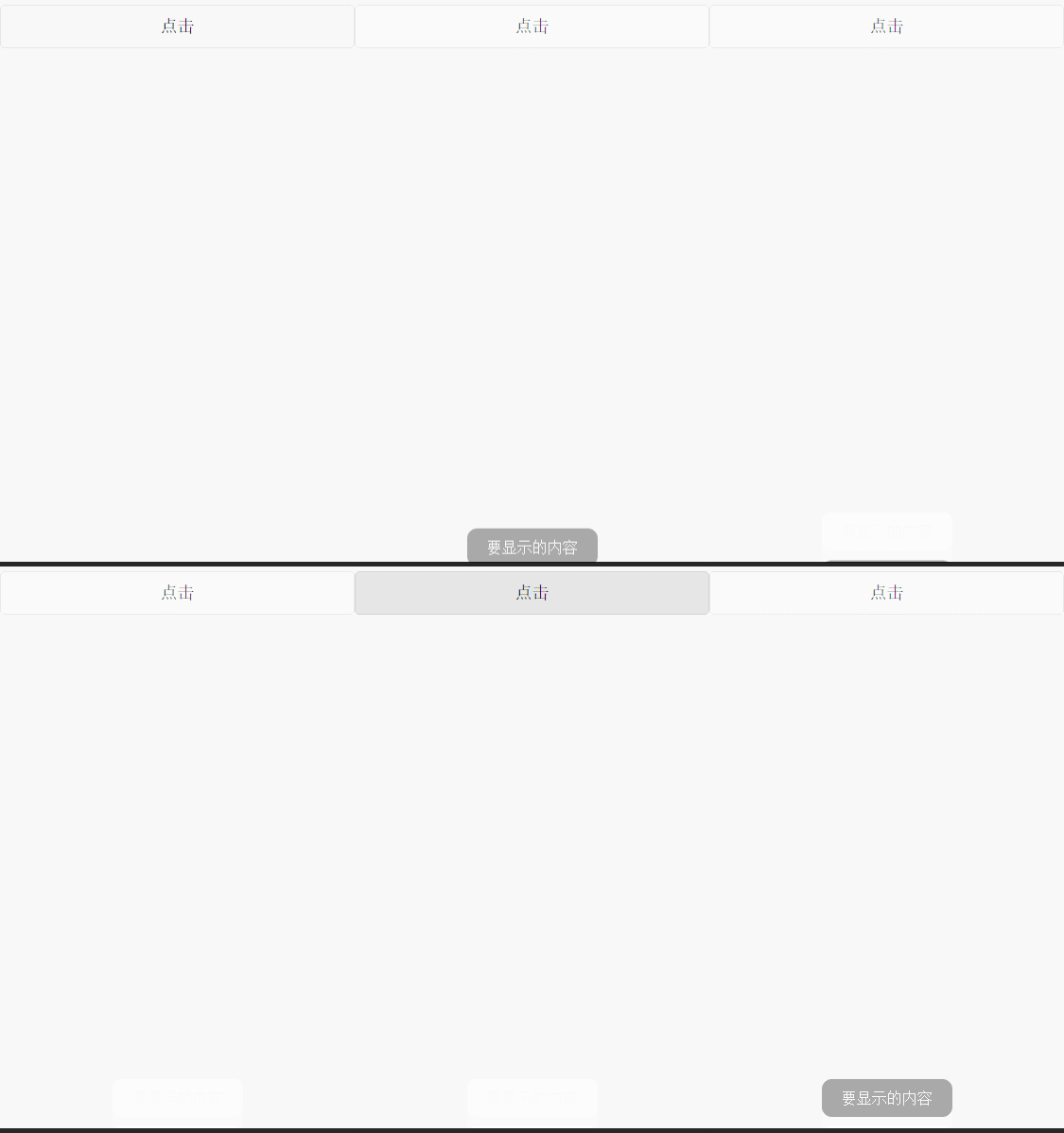
源码下载链接:http://xiazai.jb51.net/201701/yuanma/toastTestNew(jb51.net).rar
感谢阅读,希望能帮助到大家,谢谢大家对本站的支持!


