

1.官方文档
https://cloud.spring.io/spring-cloud-static/spring-cloud-openfeign/2.2.2.RELEASE/reference/html/
2.添加依赖
<dependency>
  <groupId>org.springframework.boot</groupId>
  <artifactId>spring-boot-starter-web</artifactId>
</dependency>

<dependency>
  <groupId>org.springframework.cloud</groupId>
  <artifactId>spring-cloud-starter-netflix-eureka-client</artifactId>
</dependency>

<dependency>
  <groupId>org.springframework.cloud</groupId>
  <artifactId>spring-cloud-starter-openfeign</artifactId>
</dependency>
3.添加启动类注解
import org.mybatis.spring.annotation.MapperScan;
import org.springframework.boot.SpringApplication;
import org.springframework.boot.autoconfigure.SpringBootApplication;
import org.springframework.cloud.openfeign.EnableFeignClients;

@SpringBootApplication
//@MapperScan("cn.ytheng.order_service")
@EnableFeignClients
public class OrderServiceApplication {

  public static void main(String[] args) {

    SpringApplication.run(OrderServiceApplication.class, args);
  }

}
4.添加Feign接口
import org.springframework.cloud.openfeign.FeignClient;
import org.springframework.web.bind.annotation.GetMapping;
import org.springframework.web.bind.annotation.RequestParam;

/**
 *
 * 商品服务客户端
 * product-service: 调用服务名称,即spring.application.name
 *
 */
@FeignClient(name = "product-service")
public interface ProductClient {

  @GetMapping("/api/v1/product/find")
  String getById(@RequestParam("id") int id);

}
5.添加Controller
import cn.theng.order_service.service.ProductClient;
import org.springframework.beans.factory.annotation.Autowired;
import org.springframework.web.bind.annotation.PostMapping;
import org.springframework.web.bind.annotation.RequestMapping;
import org.springframework.web.bind.annotation.RequestParam;
import org.springframework.web.bind.annotation.RestController;

@RestController
@RequestMapping("/api/v1/order")
public class ProductOrderController {

  @Autowired
  private ProductClient productClient;

  @PostMapping("/test2")
  public Object test2(@RequestParam("product_id") int productId) {

    String product = productClient.getById(productId);

    return "success";
  }
}
6.添加application.yml配置
server:
 port: 8781
eureka:
 client:
  serviceUrl:
   defaultZone: http://localhost:8761/eureka/

spring:
 application:
  name: order-service


#设置调用服务超时时间
#product-service为服务名称,也可以设置为默认值default
feign:
 client:
  config:
   product-service:
    connectTimeout: 5000
    readTimeout: 11000
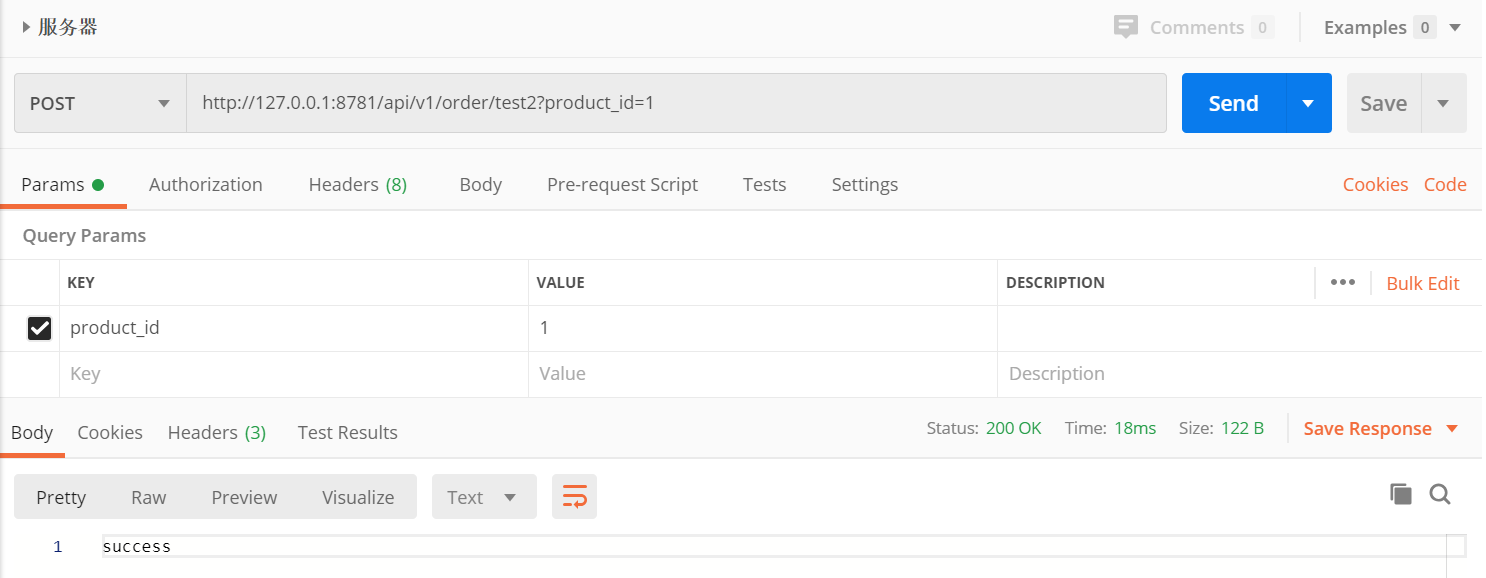
7.访问地址
以上就是本文的全部内容,希望对大家的学习有所帮助,也希望大家多多支持脚本之家。


