

简评:Android Support Library 26 中终于实现了一个等待已久的功能: RecyclerView 的快速滚动 。
Android 官方早就在建议开发者使用 RecyclerView 替代 ListView,RecyclerView 也确实表现要好于 ListView,除了没有快速滚动,就像下面这样:
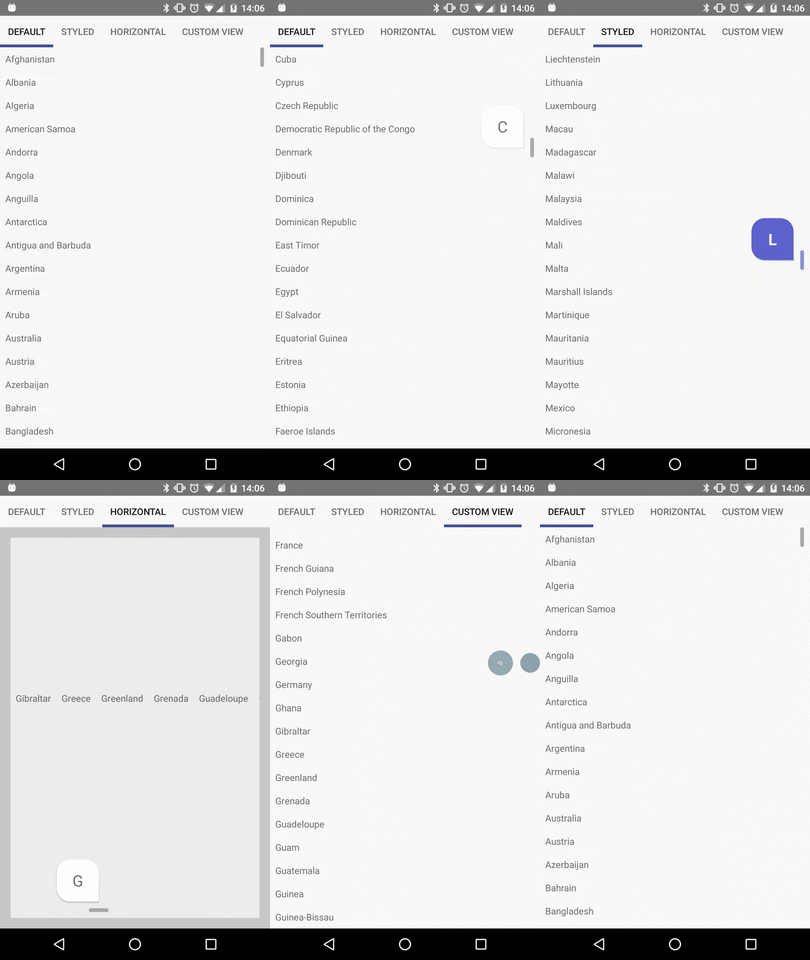
因此,之前要想在 RecyclerView 上实现快速滚动,往往是依赖第三方库,比如:FutureMind/recycler-fast-scroll 或 timusus/RecyclerView-FastScroll 。
现在 RecyclerView 终于原生支持了快速滚动,现在就让我们来看一下怎么实现:
首先,在 build.gradle 中添加依赖:
dependencies {
  ....
  compile 'com.android.support:design:26.0.2'
  compile 'com.android.support:recyclerview-v7:26.0.2'
  ....
}
注意 Support Library 从版本 26 开始移到了 Google 的 maven 仓库,并且 Google 计划未来将所有的仓库都只通过 http:// maven.google.com 来发布。所以,需要参考 官方指南 使用 Google Maven 仓库。
现在,来看一看具体怎么实现 RecyclerView 的快速滚动:
<?xml version="1.0" encoding="utf-8"?>
<android.support.constraint.ConstraintLayout
  xmlns:android="http://schemas.android.com/apk/res/android"
  xmlns:app="http://schemas.android.com/apk/res-auto"
  xmlns:tools="http://schemas.android.com/tools"
  android:layout_width="match_parent"
  android:layout_height="match_parent"
  app:layout_behavior="@string/appbar_scrolling_view_behavior"
  tools:context="com.shaishavgandhi.fastscrolling.MainActivity"
  tools:showIn="@layout/activity_main">


 <android.support.v7.widget.RecyclerView
  android:id="@+id/recyclerView"
  android:layout_width="match_parent"
  android:layout_height="wrap_content"
  app:fastScrollEnabled="true"
  app:fastScrollHorizontalThumbDrawable="@drawable/thumb_drawable"
  app:fastScrollHorizontalTrackDrawable="@drawable/line_drawable"
  app:fastScrollVerticalThumbDrawable="@drawable/thumb_drawable"
  app:fastScrollVerticalTrackDrawable="@drawable/line_drawable">

 </android.support.v7.widget.RecyclerView>

</android.support.constraint.ConstraintLayout>
其中增加了几个属性:
接下来看一下具体的 drawable:
line_drawable.xml
<?xml version="1.0" encoding="utf-8"?>
<selector xmlns:android="http://schemas.android.com/apk/res/android">
  <item
    android:state_pressed="true"
    android:drawable="@drawable/line"/>

  <item
    android:drawable="@drawable/line"/>
</selector>
line.xml
<?xml version="1.0" encoding="utf-8"?>
<shape xmlns:android="http://schemas.android.com/apk/res/android"
    android:shape="rectangle">

  <solid android:color="@android:color/darker_gray" />

  <padding
    android:top="10dp"
    android:left="10dp"
    android:right="10dp"
    android:bottom="10dp"/>
</shape>
thumb_drawable.xml
<?xml version="1.0" encoding="utf-8"?>
<selector xmlns:android="http://schemas.android.com/apk/res/android">
  <item
    android:state_pressed="true"
    android:drawable="@drawable/thumb"/>

  <item
    android:drawable="@drawable/thumb"/>
</selector>
thumb.xml
<?xml version="1.0" encoding="utf-8"?>
<shape xmlns:android="http://schemas.android.com/apk/res/android"
    android:shape="rectangle">

  <corners
    android:topLeftRadius="44dp"
    android:topRightRadius="44dp"
    android:bottomLeftRadius="44dp" />

  <padding
    android:paddingLeft="22dp"
    android:paddingRight="22dp" />

  <solid android:color="@color/colorPrimaryDark" />

</shape>
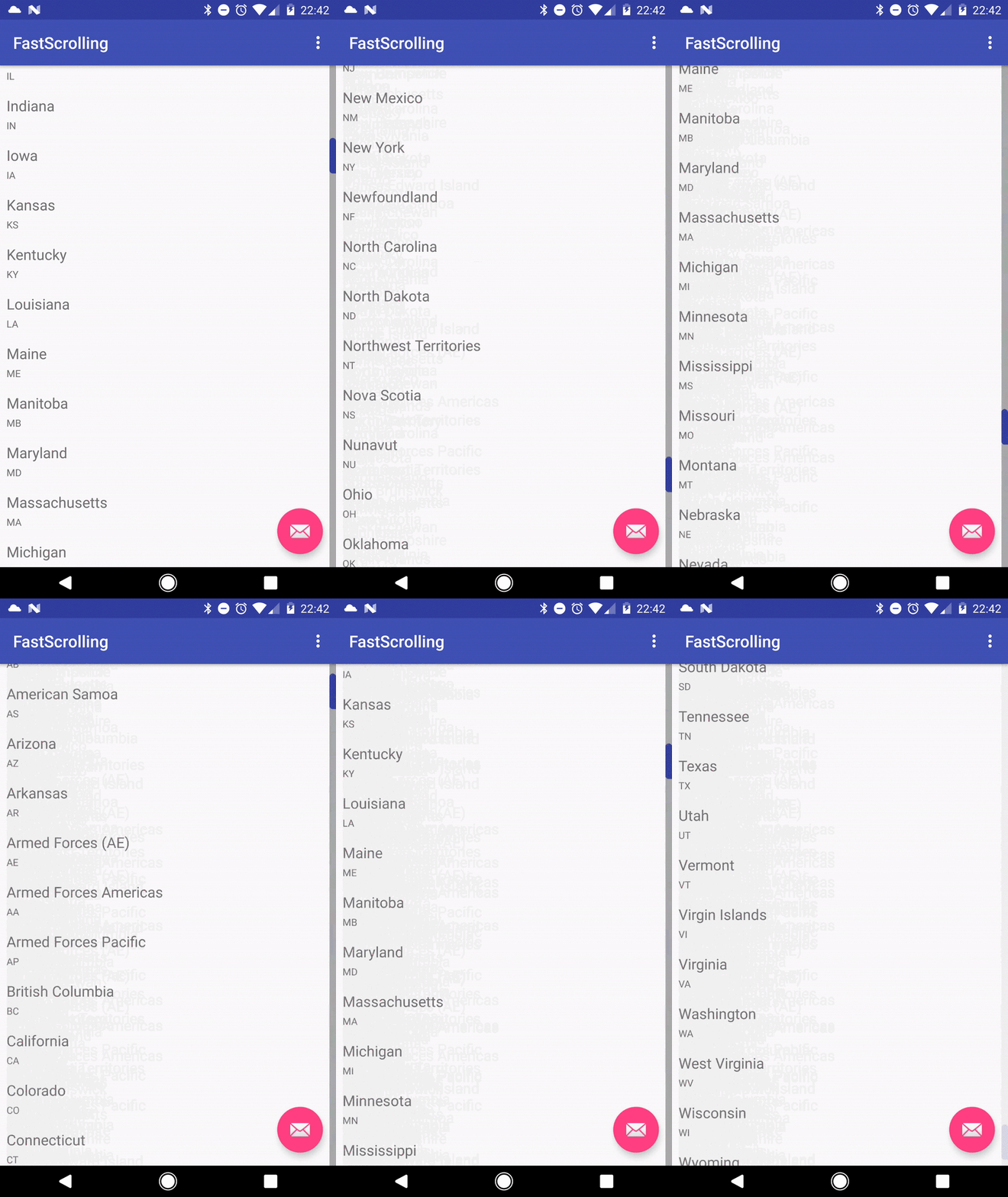
效果如下:
以上就是本文的全部内容,希望对大家的学习有所帮助,也希望大家多多支持脚本之家。


